
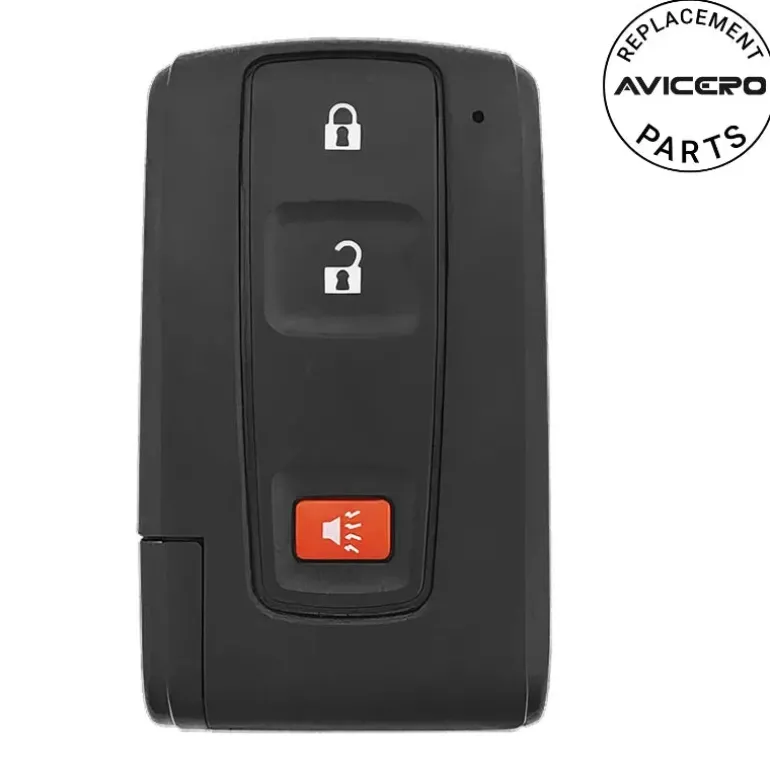
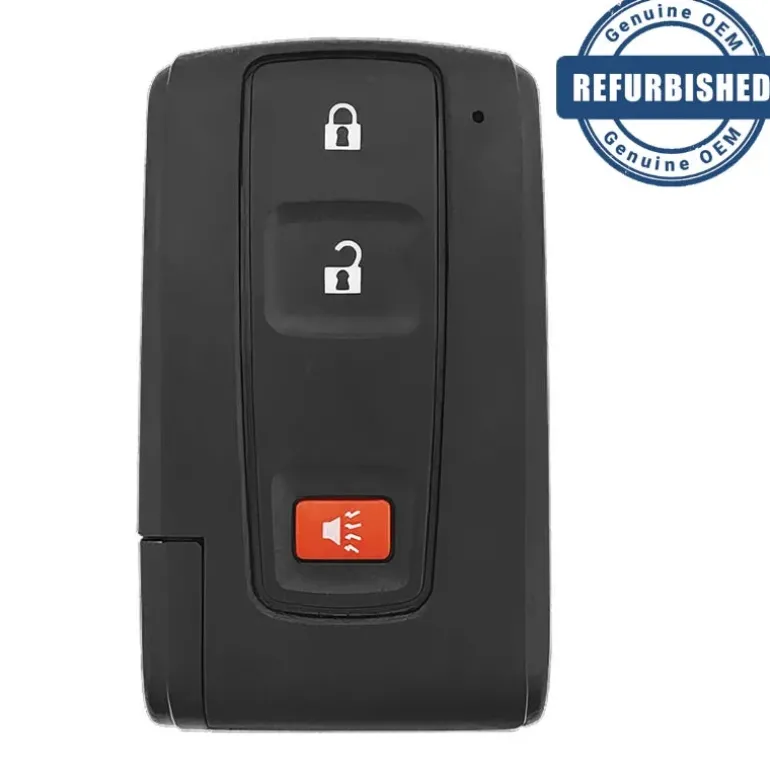
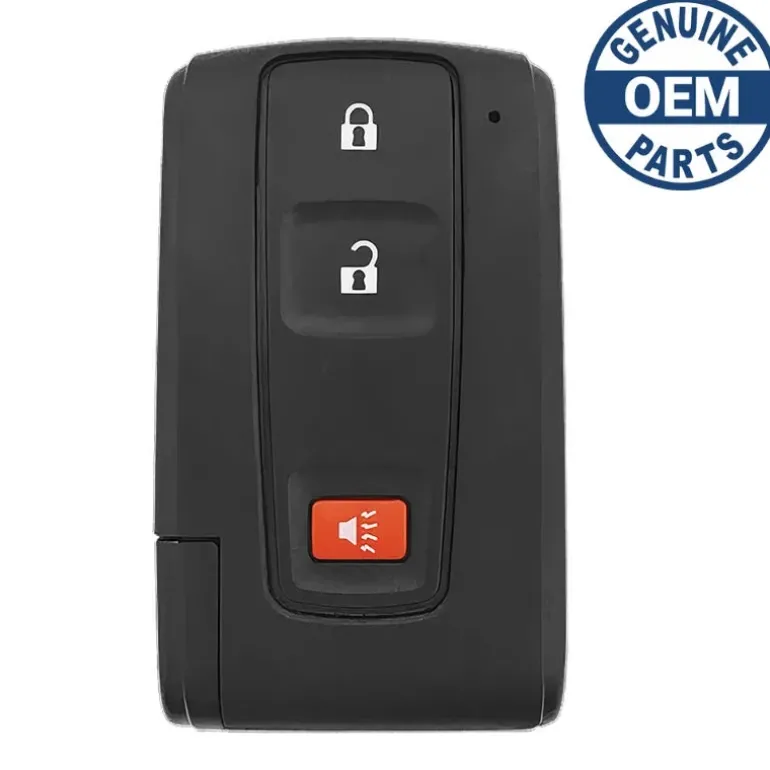
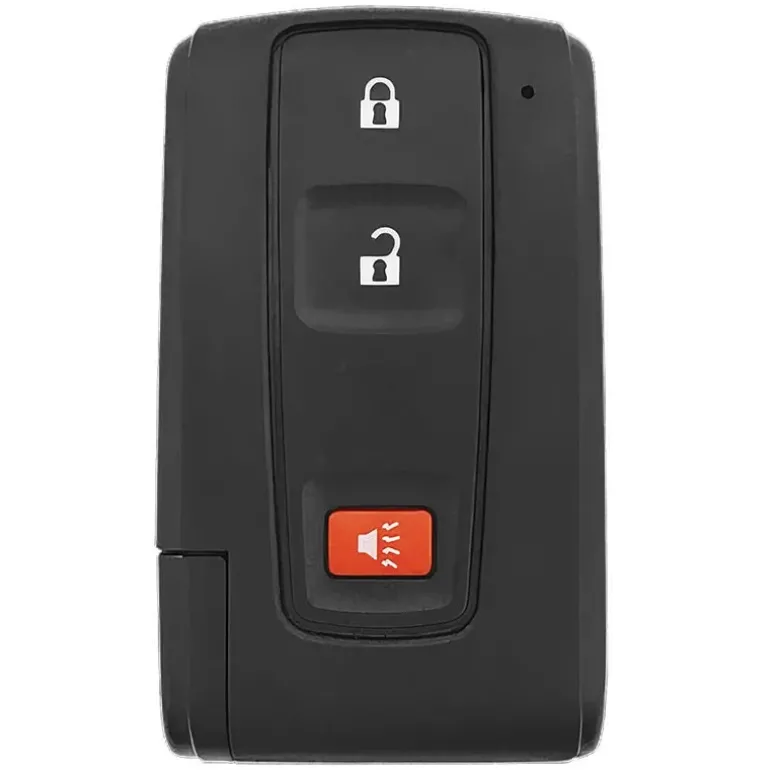

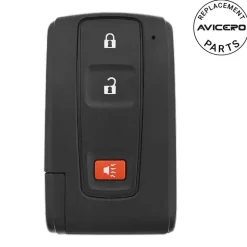
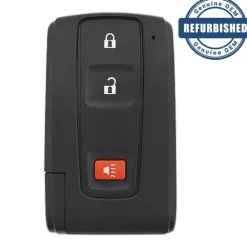
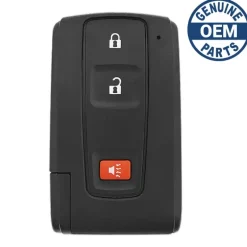
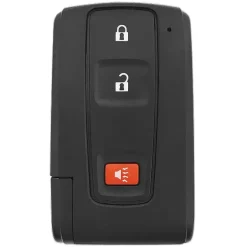
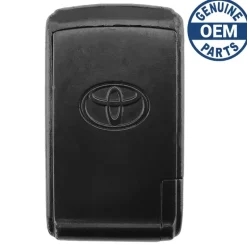
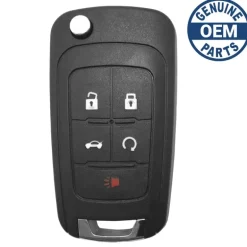
2004 Toyota Prius Smart Key Fob w/o Smart Entry PN: 89070-47180
Original price was: 159,00 $.108,99 $Current price is: 108,99 $.
🚨 Stop! Ensure Compatibility Before Ordering!
Important: Some key fobs may look identical but have different internal components. If there are multiple versions of your key fob, you must verify the part number and FCC ID listed in the specifications to ensure compatibility. If only one option exists for your vehicle, VIN verification is not required.
⚠️ When to Provide Your VIN:
If you’re unsure or if multiple versions exist for your model, we recommend verifying with your VIN. You can enter it in the checkout note field, and we will verify it for you before processing your order.
Specifications
Part Numbers: 89070-47230 and 89070-47180
FCC ID: M0ZB21EG
Buttons:
Frequency:
Remote Programming: By Transponder
Transponder Programming: Scan Tool
Chip ID:
Battery: (included)
Emergency Key: (included)
Programming Procedure #621
- Start with the following conditions:
- Remote is out of the remote ignition slot.
- Driver door is open (all other doors are closed)
- Driver door is unlocked (other doors don’t matter).
- Perform the next two steps within 5 seconds:
- Place remote in the remote slot then remove it.
- Place remote in the remote slot then remove it.
- Perform these steps within 40 seconds:
- Close then open the driver’s door.
- Close then open the driver’s door.
- Place remote in the remote slot then remove it.
- Place remote in the remote slot then remove it.
- Close then open the driver’s door.
- Close then open the driver’s door.
- Place remote in the remote slot then remove it.
- Place remote in the remote slot then remove it.
- Place remote in the remote slot then close the door.
- Perform these steps within 40 seconds (Do not depress the brake pedal during this step.):
- Press POWER button to switch ignition ON (amber LED illuminated) and then OFF once to program a remote while retaining old remotes or twice to program a remote while erasing old remotes.
- Remove remote from the remote slot.
- Within 5 seconds, the power door locks should cycle (lock then unlock) automatically (once or twice depending on which mode was selected) indicating successful entry into programming mode. Return to Step 1 if the locks do not cycle at this point.
- Perform these steps within 40 seconds:
- Press the lock and unlock buttons on the transmitter simultaneously for 1.5 seconds and release.
- Within 3 seconds, press the LOCK button. The door locks should cycle (lock then unlock) once indicating successful programming. If the door locks cycle twice, remote programming has failed.
- Within 40 seconds, repeat steps 6a and 6b for each additional transmitter.
- Open driver’s door.
- Test transmitter(s) for function.
Compatibility
Toyota
- Prius (2004-2009)
Warning
Original Key with Black Toyota Logo: To ensure compatibility with the vehicle’s smart entry system, it’s important that the original key has a black Toyota logo on it. If the logo is silver, it may not work with the smart entry system.
Vehicle Verification: You can check if a Toyota vehicle has a smart entry system by looking for a button on the driver’s side door handle on the outside of the car. If this button is present, it indicates that the vehicle is equipped with smart entry technology. In such cases, you would need the key with the silver Toyota logo.
| Color | Aftermarket New, OEM New, OEM Refurbished |
|---|
Be the first to review “2004 Toyota Prius Smart Key Fob w/o Smart Entry PN: 89070-47180”
Related products
Reviews
There are no reviews yet.