
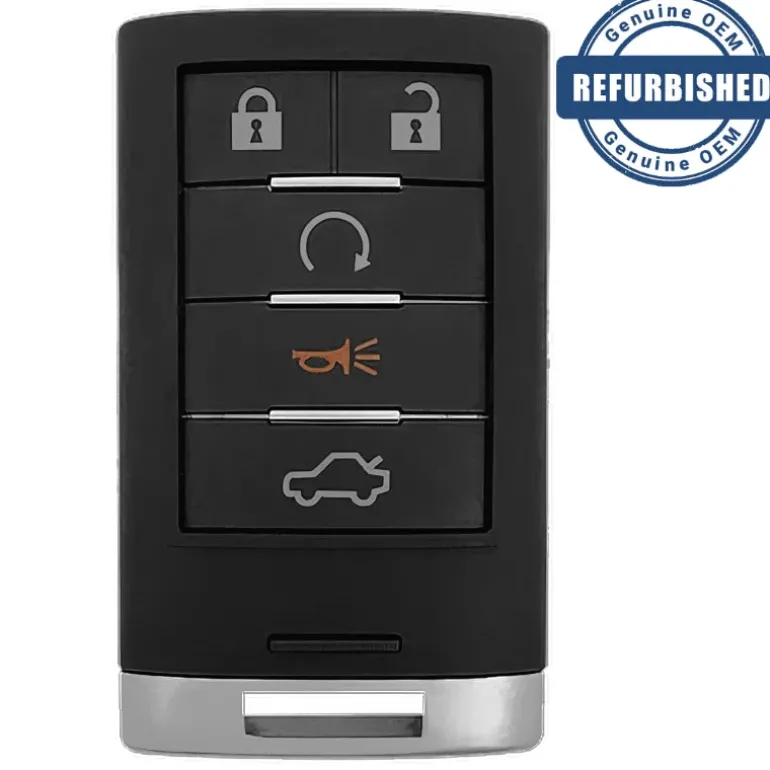
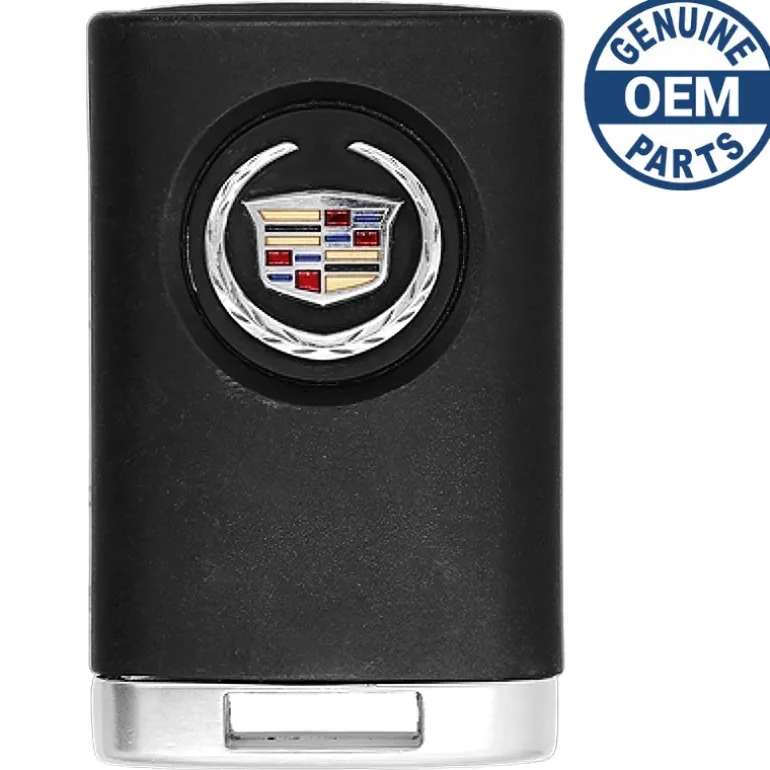
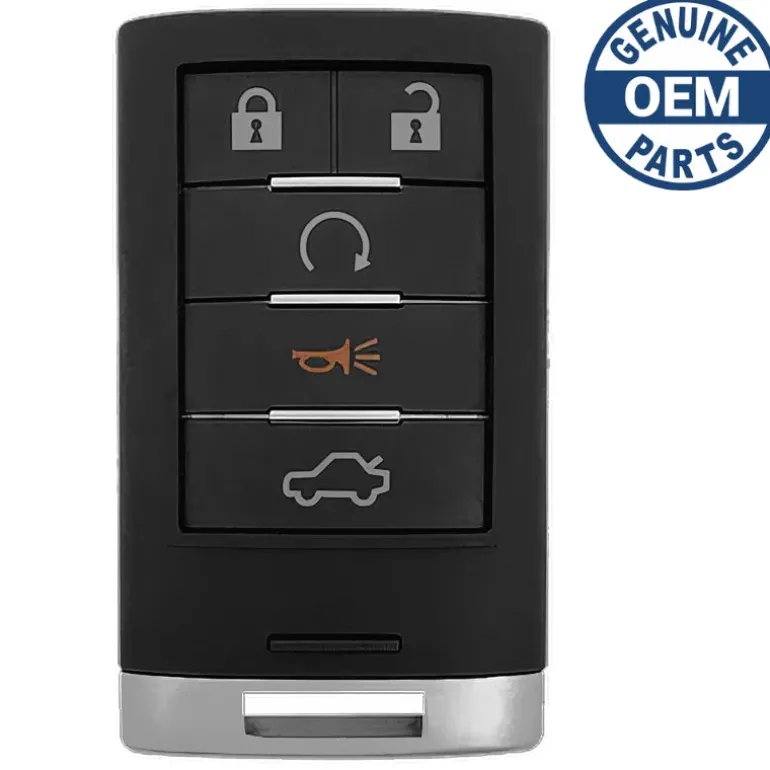
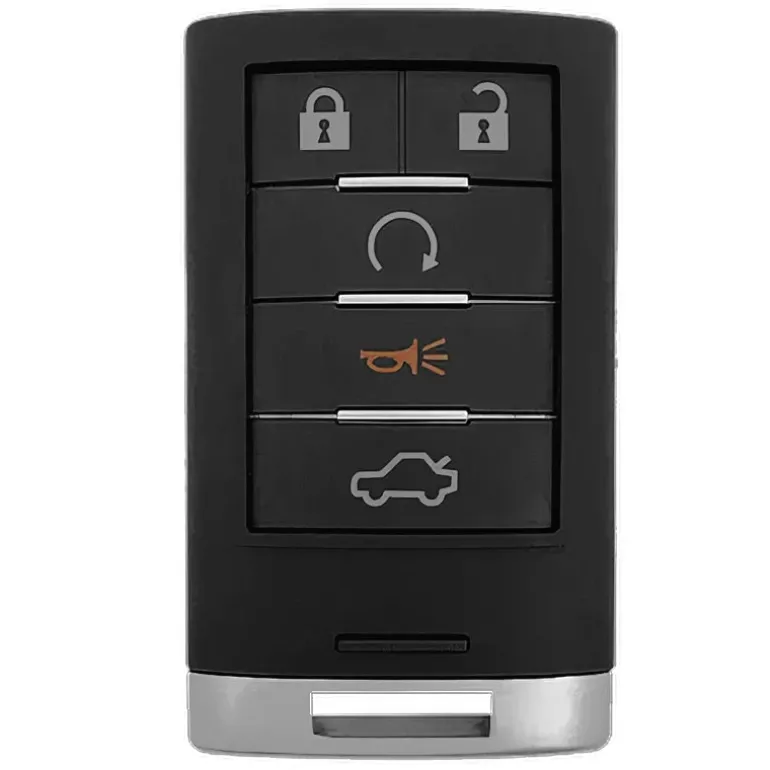
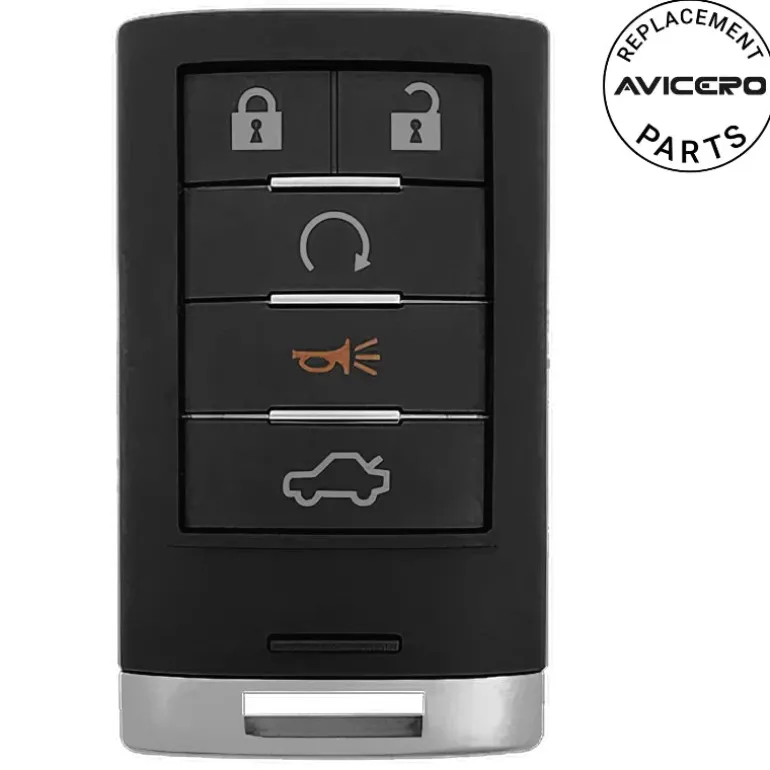
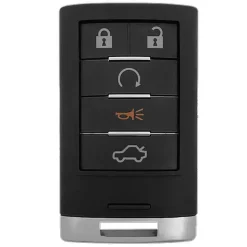
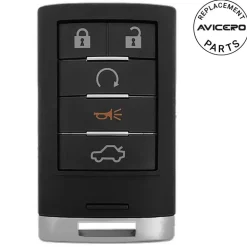
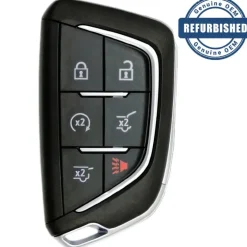
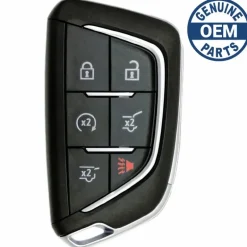
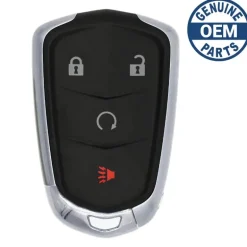
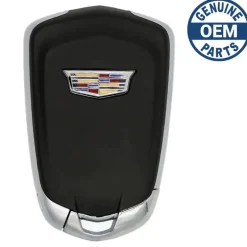
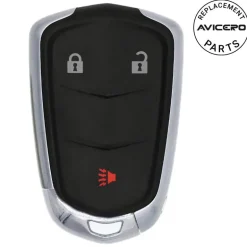
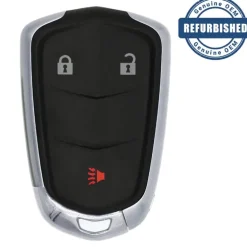
2008 Cadillac CTS Smart Key Fob Driver 1 PN: 25943676
Original price was: 209,00 $.128,89 $Current price is: 128,89 $.
🚨 Stop! Ensure Compatibility Before Ordering!
Important: Some key fobs may look identical but have different internal components. If there are multiple versions of your key fob, you must verify the part number and FCC ID listed in the specifications to ensure compatibility. If only one option exists for your vehicle, VIN verification is not required.
⚠️ When to Provide Your VIN:
If you’re unsure or if multiple versions exist for your model, we recommend verifying with your VIN. You can enter it in the checkout note field, and we will verify it for you before processing your order.
Specifications
Part Numbers: 25943676 and 25854935
FCC ID: M3N5WY7777A
Buttons: Lock, Unlock, Remote Start, Trunk, and Panic
Frequency: 315 Mhz
Remote Programming:
Transponder Programming:
Chip ID: PHILIPS ID 46
Battery: (included)
Emergency Key: (included)
Programming Procedure #166
Matching Transmitter(s) to Your Vehicle
Each Keyless Access System is coded to allow only transmitters programmed to your vehicle to work. If a transmitter is lost or stolen, a replacement can be purchased and programmed through your dealer/retailer. Your dealer/retailer can reprogram your vehicle so lost or stolen transmitters no longer work with your vehicle. Each vehicle can have a maximum of four transmitters matched to it.
To match a new transmitter to your vehicle when you have a recognized transmitter, do the following. Two recognized transmitters are required for Canadian owners.
- The vehicle must be off.
- Have the recognized transmitter and the new, unrecognized transmitter(s) with you.
- Insert the vehicle key into the key lock cylinder located on the outside of the driver’s door.
- Turn the key to the unlock position five times within five seconds.
- The Driver Information Center (DIC) will display Ready To Learn Electronic Key#X,where X can be 2, 3 or 4.
- Place the new, unrecognized transmitter into the transmitter pocket with the transmitter buttons facing the front of the vehicle. The transmitter pocket is inside the center console storage area located between the dnver and front passenger seats.
- Once the transmitter is programmed, a beep will sound. The DIC will display Ready To Leam Electronic Key #X, where X can be 3 or 4, or Nlaximum # Electronic Keys Learned.
- Press the ignition control knob to exit programming mode.
- Remove the transmitter from the transmitter pocket and press the unlock button on the keyless access transmitter two times.
The Canadian immobilizer standard requires Canadian owners to see their dealer/retailer for matching new transmitters when two recognized transmitters are not available. United States owners are permitted to match a new transmitter to their vehicle when a recognized transmitter is not available.
The procedure will require three, ten minute cycles to complete the matching process.
- The vehicle must be off.
- Place the new, unrecognized transmitter into the transmitter pocket with the transmitter buttons facing the front of the vehicle. The transmitter pocket is inside the center console storage area located between the driver and front passenger seats.
- Insert the vehicle key into the key lock cylinder located on the driver’s door.
- Turn the key to the unlock position five times within five seconds.
- The DIC will display Press Stan Control To Learn Keys.
- Press the ignition switch in.
- The DIC will read Leam Delay Active Wait XX Min and will count down to zero, one minute at a time.
- The DIC will display Press Stan Control To Learn Keys again.
- Press the ignition switch in again.
- The DIC will again read Learn Delay Active Wait XX Min and will count down to zero, one minute at a time. The DIC will display Press Start Control To Learn Keys again.
- Press the ignition switch in again.
- The DIC will again read Learn Delay Active Wait XX Min and will count down to zero, one minute at a time.
- A beep will sound and the DIC will read Ready To Learn Electronic Key # X. At this time, all previously known transmitters have been erased.
- Once the transmitter is recognized and programmed, a beep will sound and the DIC will display Ready To Leam Electronic Key # X.
- To program additional transmitters, insert each transmitter in the pocket until you hear a beep and the DIC advances to the next electronic key number.
- When complete, press the ignition control knob.
- Press the unlock button on each transmitter programmed to complete programming.
Up to four transmitters can be programmed to the vehicle. The DIC will display Maximum # Electronic Keys Leamed and will exit the programming mode.
After performing this process, transmitters previously programmed will no longer work with your vehicle and must be reprogrammed.
Compatibility
Cadillac
- STS (2008-2011)
- CTS (2008-2015)
| Color | Aftermarket New, OEM New, OEM Refurbished |
|---|
Be the first to review “2008 Cadillac CTS Smart Key Fob Driver 1 PN: 25943676”
Related products


Reviews
There are no reviews yet.