
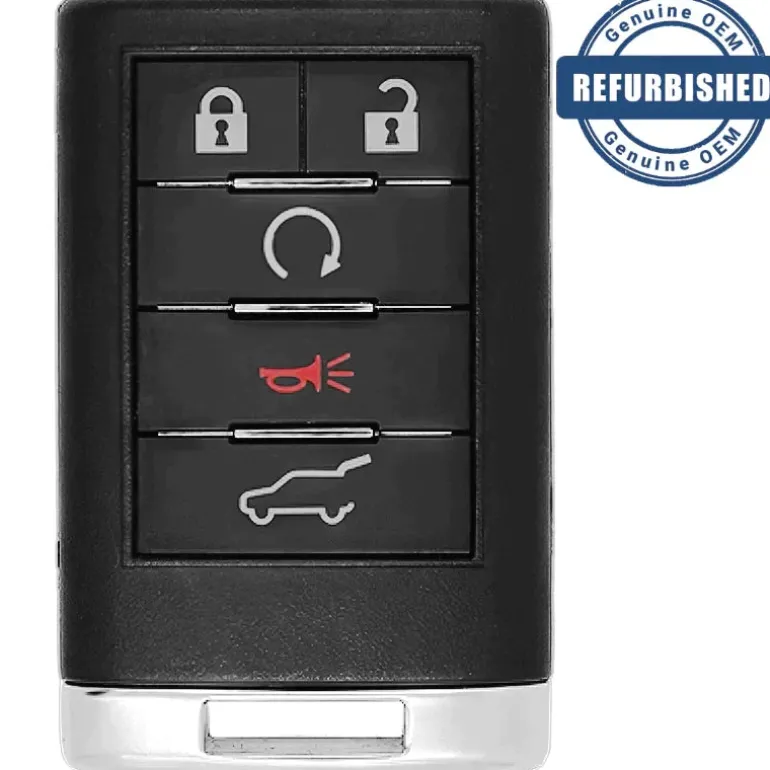
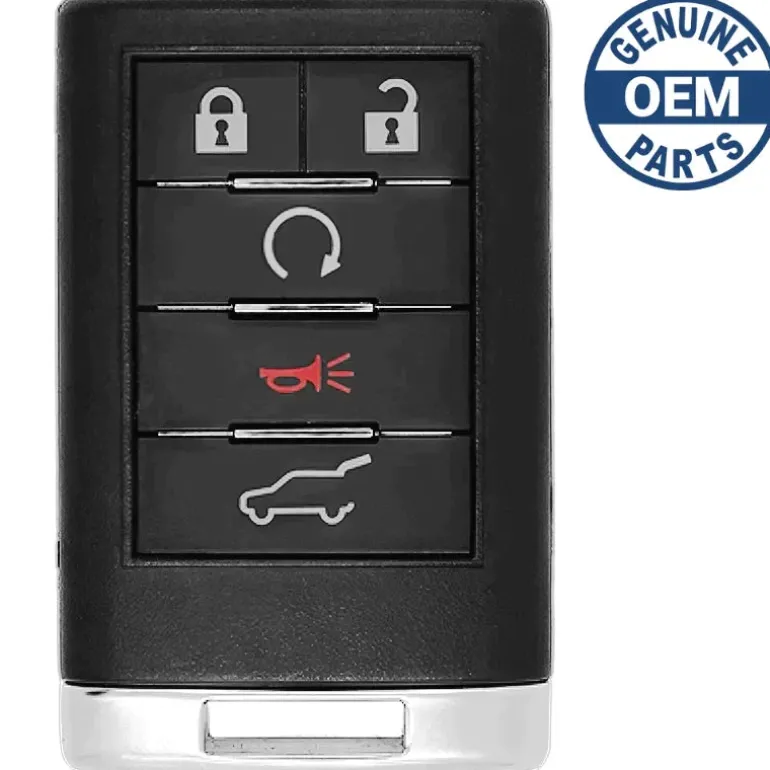
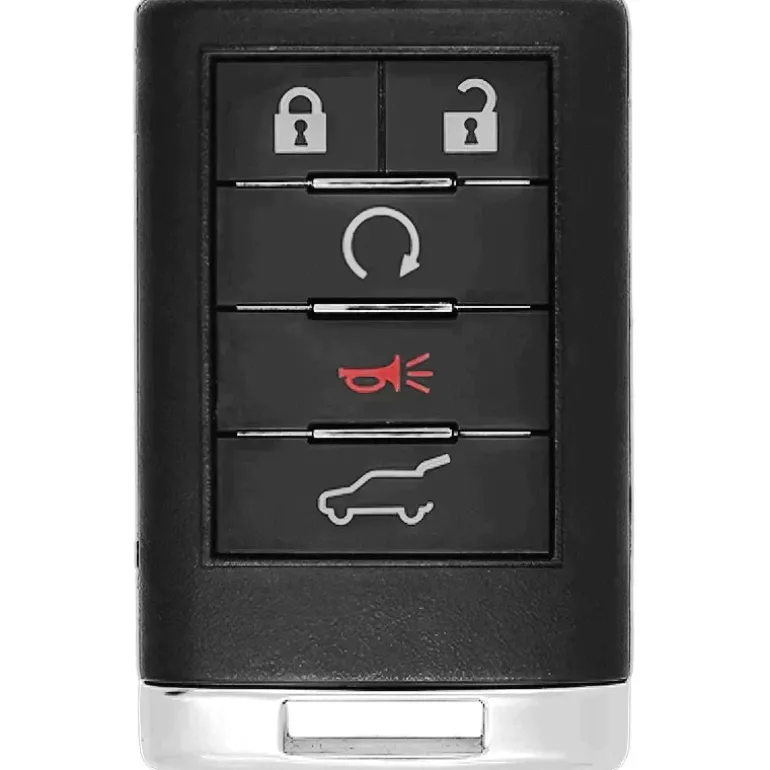
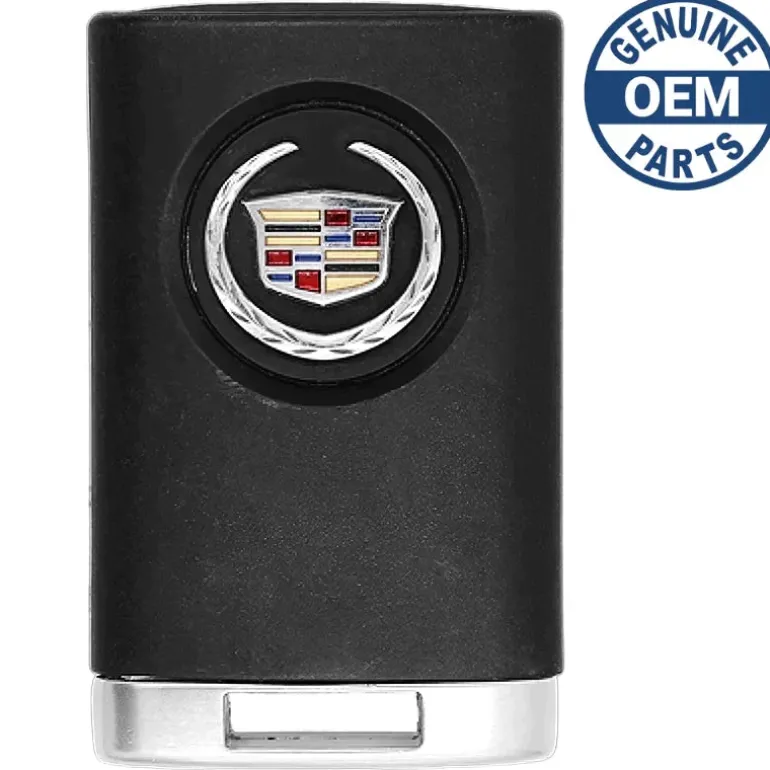
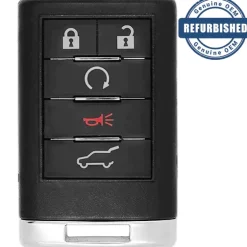
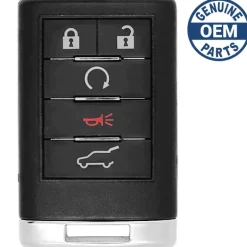
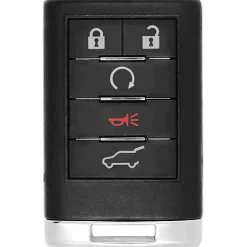
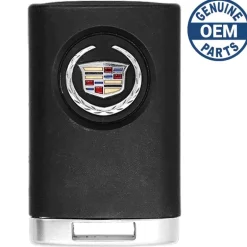
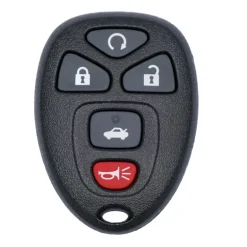
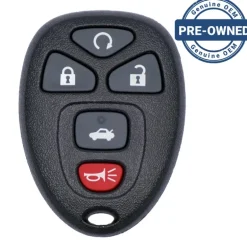
2009 Cadillac SRX Regular Remote PN: 20998282
Original price was: 179,00 $.118,99 $Current price is: 118,99 $.
Before Purchasing
Important:Please make sure that your smart key fob looks identical and matches any of the part numbers or FCC IDs listed below. Contact Us with your VIN if you don’t have an existing remote for comparison.
Specifications
Part Numbers: OUC6000066
FCC ID: 20998282
Buttons: Lock, Unlock, Remote Start, Hatch, and Panic
Frequency: 315 MHz
Remote Programming:
Battery: CR2032 (included)
Programming Procedure #158
RELEARN REMOTE KEY
This display allows you to match Remote Keyless Entry (RKE) transmitters to your vehicle. To match an RKE transmitter to your vehicle:
- Press the vehicle information button until PRESS √ TO RELEARN REMOTE KEY displays.
- Press the set/reset button until REMOTE KEY LEARNING ACTIVE is displayed.
- Press and hold the lock and unlock buttons on the first transmitter at the same time for about 15 seconds. On vehicles with memory recall seats, the first transmitter learned will match driver 1 and the second will match driver 2. A chime will sound indicating that the transmitter is matched.
- To match additional transmitters at this timer repeat Step 3. Each vehicle can have a maximum of eight transmitters matched to it.
- To exit the programming mode, you must cycle the key to LOCK/OFF.
DIC Operation and Displays
The Driver Information Center (DIC) has different displays which can be accessed by pressing the DIC buttons located on the instrument panel, to the left of the steering wheel.
Compatibility
Cadillac
- CTS (2011-2014)
- SRX (2008-2009)
| Color | OEM New, OEM Refurbished |
|---|
Be the first to review “2009 Cadillac SRX Regular Remote PN: 20998282”
Related products




Reviews
There are no reviews yet.