
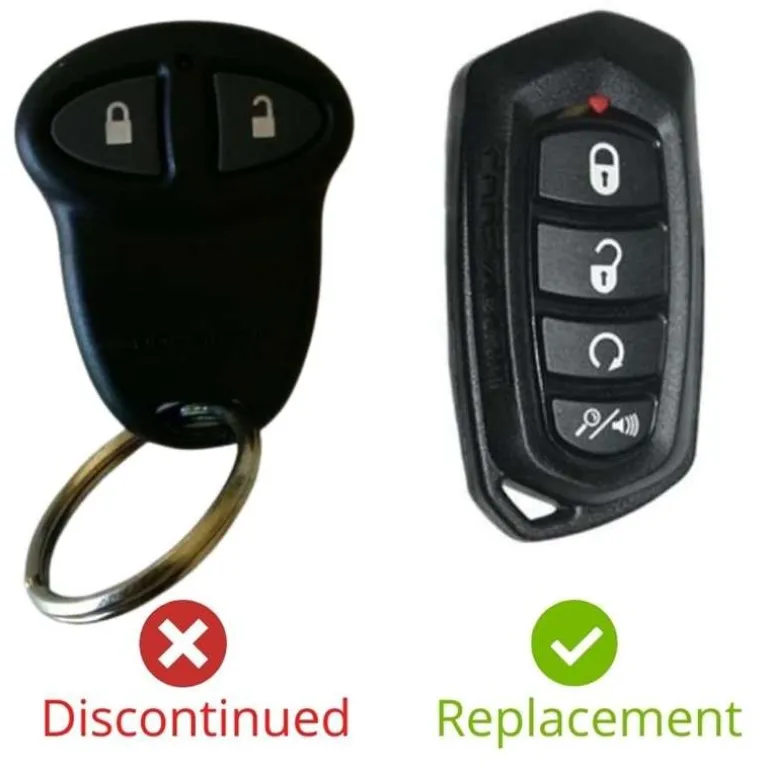
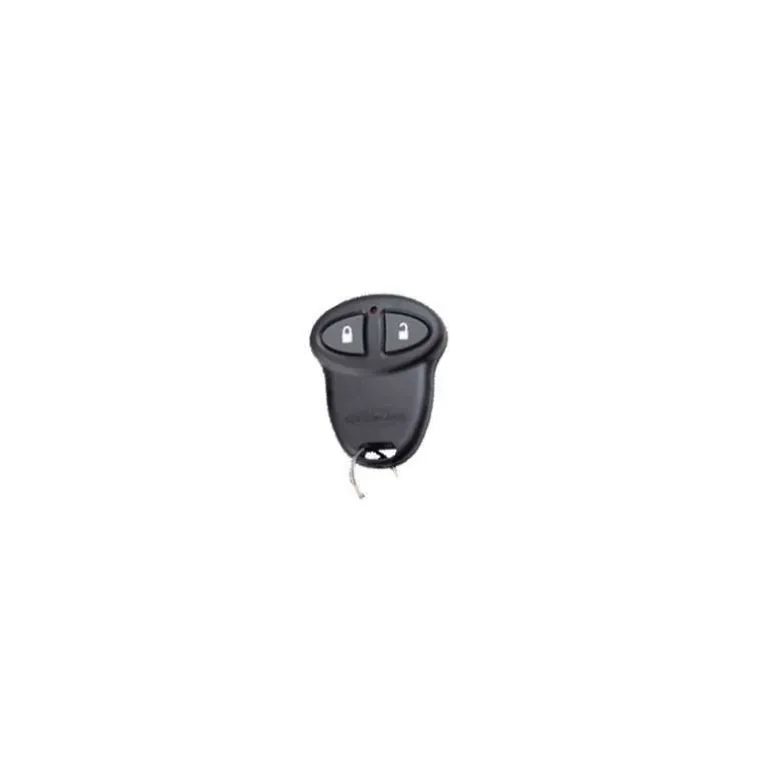
Code Alarm CATX100 |H50T30|Tested, Guaranteed To Work
Original price was: 59,00 $.40,89 $Current price is: 40,89 $.
Works On: CA100.
Remote comes with the battery.
You will need to use the valet switch (programming/override button) to perform the programming procedure. It is possible to perform programming without the valet switch but you would need to access the receiver under the dash. We have a troubleshooting procedure for how to do this that we can provide upon request.
Programming Procedure:
Note: This system will only retain the last 4 remote transmitters programmed. If you program more than four remotes it will start deleting remotes in chronological order.
1. Within 15 seconds: Turn the ignition OFF/ON 3 times and leave it in the ON position.
2. Push and release the valet switch 3 times holding it in on the 3rd time until a long chirp is heard, then release the valet switch. You are now in transmitter programming mode.
3. Press and hold any remote transmitter buttons until the siren responds with a confirmation chirp. This indicates the remote??? code has been stored in memory.
4. Repeat step 3 for additional transmitters.
5. Turn the ignition to OFF to exit transmitter programming. Three long chirps and three parking light flashes confirm programming mode has been exited. Note: 15 seconds of inactivity will time-out the procedure.
⚠️ Important: Verify Compatibility Before Purchase!
Important Note:
Please note that aftermarket remote controls are not universally compatible. They are designed for specific aftermarket systems.
Before purchasing, ensure your remote’s FCC ID/Part Number or system model under the dash matches. If you’re unsure, please contact us:
+1-386-586-3650
| Color | Pre-owned, Refurbished |
|---|
Be the first to review “Code Alarm CATX100 |H50T30|Tested, Guaranteed To Work”
Related products
General Motors
Chevrolet
General Motors
General Motors
Reviews
There are no reviews yet.